






By using our website, you agree to the use of cookies as described in our Cookie Policy
Why AI Logos Can Be a Hassle to Edit & Use for Real Projects
AI logos look fine on your screen, but the moment you need them for a real sign or a vehicle wrap, the problems start. Blow up the design and the edges get rough. Details that seemed sharp online turn fuzzy or disappear. What you thought was a finished logo suddenly looks cheap and unfinished when printed big.
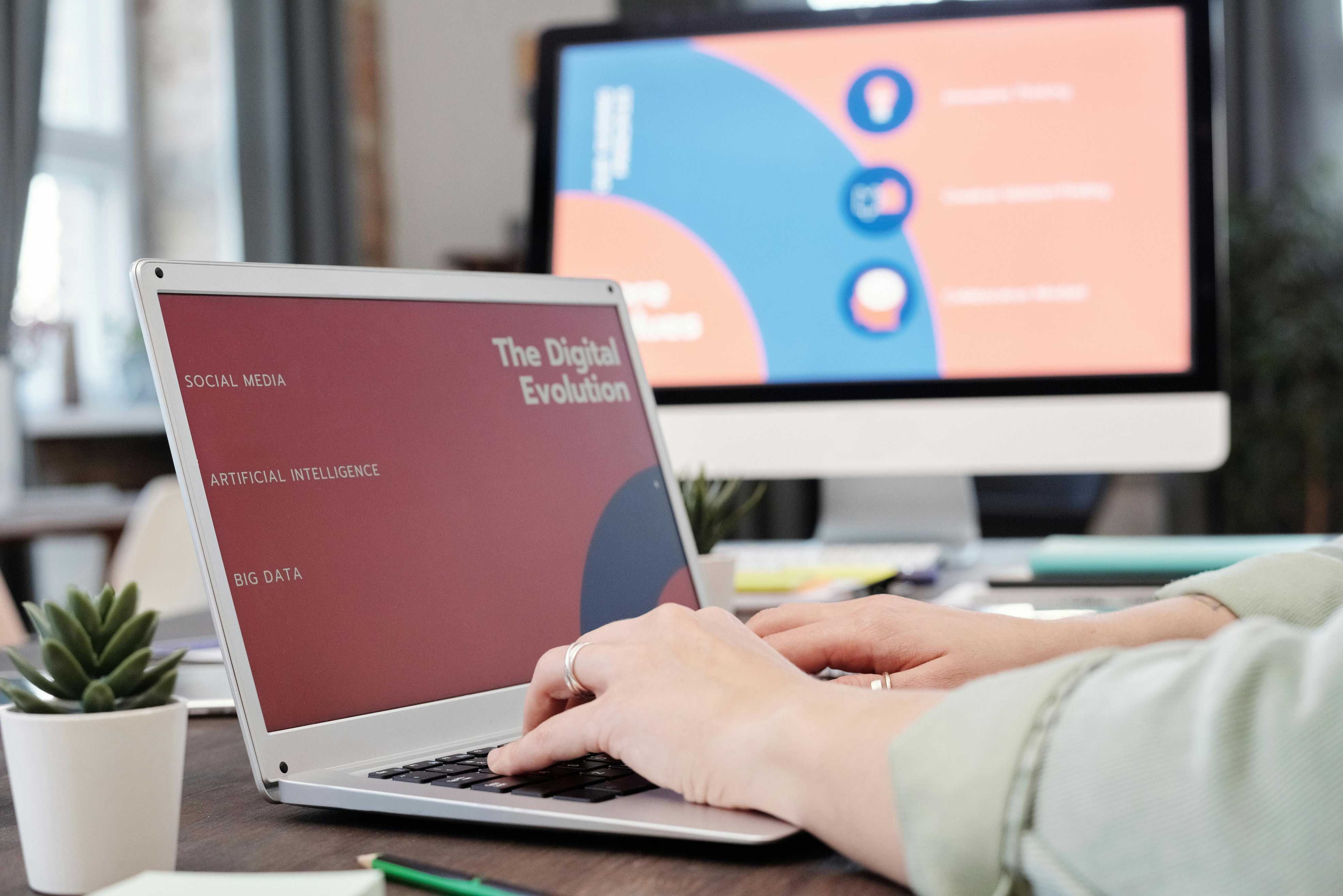
- Jagged lines and pixelation ruin banners and vehicle wraps.
- Small details vanish, leaving the logo flat and lifeless on large surfaces.
- Print shops in Elkton spend extra time redrawing or cleaning up AI logos.
- Low vector quality means more hours fixing files, less time getting your brand out there.
- Extra rework costs land on your bill. This is avoidable with a solid file from the start.
When you invest in vehicle wraps or custom signs, you expect your logo to look crisp at any size. A high-quality vector design is the only way to get there. Not sure what makes a good vector? Our graphic design team can show you the difference in seconds. We’ve seen firsthand how the right file saves time and delivers a professional finish.
Layer Merging Wastes Time
AI logo generators flatten everything into a single layer. That sounds simple, but it’s a nightmare when you need to tweak a color or move an element. Instead of a flexible design, you get a sticker: one piece, no options. Want to change a color? You’re redrawing the whole thing. Need to adjust a shape? Good luck.
- Layer merging blocks you from editing individual parts of your logo.
- Changing a single color often means starting from scratch.
- Color shifts between digital and print make your brand look off or inconsistent.
- Matching colors across vinyl, banners, and business cards gets complicated fast.
- Designers spend extra hours separating layers and correcting colors, driving up your costs.
Brand consistency matters. Your logo should look the same on your website, your truck, and your storefront. That only happens with a design built for real-world use. Elkton businesses rely on custom branding services that focus on color accuracy and flexible files. That’s how you keep your look sharp everywhere. If you need a logo that’s easy to update and ready for any application, we can help you avoid these common mistakes.
Fonts Get Mangled
Fonts hold your brand together. AI tools twist, stretch, or swap fonts in ways that break your logo. What looks okay on a website turns into a mess when it’s blown up for a vehicle wrap or shrunk for a business card. Letters get squished. Spacing gets weird. Sometimes the font isn’t’t even licensed for commercial use. That’s a real problem for Elkton companies who want their branding to look sharp and legal on every every surface.
- AI often substitutes fonts that don’t match your brand’s style.
- Font distortion makes your logo look amateurish in print.
- Missing font licenses can block you from using your logo commercially.
- Spacing and alignment issues show up on every print run.
Print compatibility throws up more roadblocksblocks. AI logos use effects and gradients that don’t translate to vinyl or sign materials. Colors fade. Details get muddy. The logo loses its punch. If you want your brand to stand out in Elkton, you need a logo designed for print from the start. Our sign and banner professionals know how to make your logo work everywhere. We’ve helped many clients avoid costly font and print issues by building logos with the right materials and licensing from day one.
Print Compatibility Isn’t Optional
AI-generated logos often ignore the realities of print. Gradients that look smooth on a screen turn blotchy on vinyl. Fine lines disappear. Special effects get lost. The result? A logo that falls flat on banners, wraps, and business cards.
- Digital effects don’t survive the jump to real-world materials.
- Colors shift between screens and print, breaking brand consistency.
- Fine details vanish on large-format prints.
- Print shops spend extra time fixing files, delaying your project.
A logo that works everywhere isn’t a luxury. It’s the baseline for any business that wants to look professional in Elkton. Skipping this step leads to wasted time, extra costs, and a brand that never looks quite right. At AutoWraps & Graphics LLC, we make sure your logo is ready for every print and material from the start.
Designer Rework Eats Your Budget
Every time an AI logo needs fixing, the bill grows. Designers spend hours cleaning up files, redrawing shapes, and making sure everything lines up for print. That’s money and time you could spend growing your business. Elkton business owners who invest in custom logo design from the start skip these headaches and get a brand identity that’s ready for anything.
- Extra design hours mean higher project costs.
- Delays slow down your marketing and branding efforts.
- Redrawn logos sometimes lose the original look you wanted.
- Custom design gives you files that work everywhere, right away.
A strong logo is an investment, not a shortcut. The right design saves you money, time, and frustration down the road.
Ready for a logo that works everywhere in Elkton?
Don’t let AI logo problems slow down your business. For a logo that looks sharp on every sign, wrap, and print project, reach out to AutoWraps & Graphics LLC. Call 540-607-0433 or contact us to get started with a design that’s built for real-world results.
‹ Back
Recent Posts
-
How to Choose the Right Banner Material for Harrisonburg Businesses
September 17, 2026
-
Best Ways Commercial Vehicle Wraps in Elkton Improve Local Advertising
September 3, 2026
-
What to Know Before Wrapping Your Business Fleet in Elkton
August 20, 2026
-
-